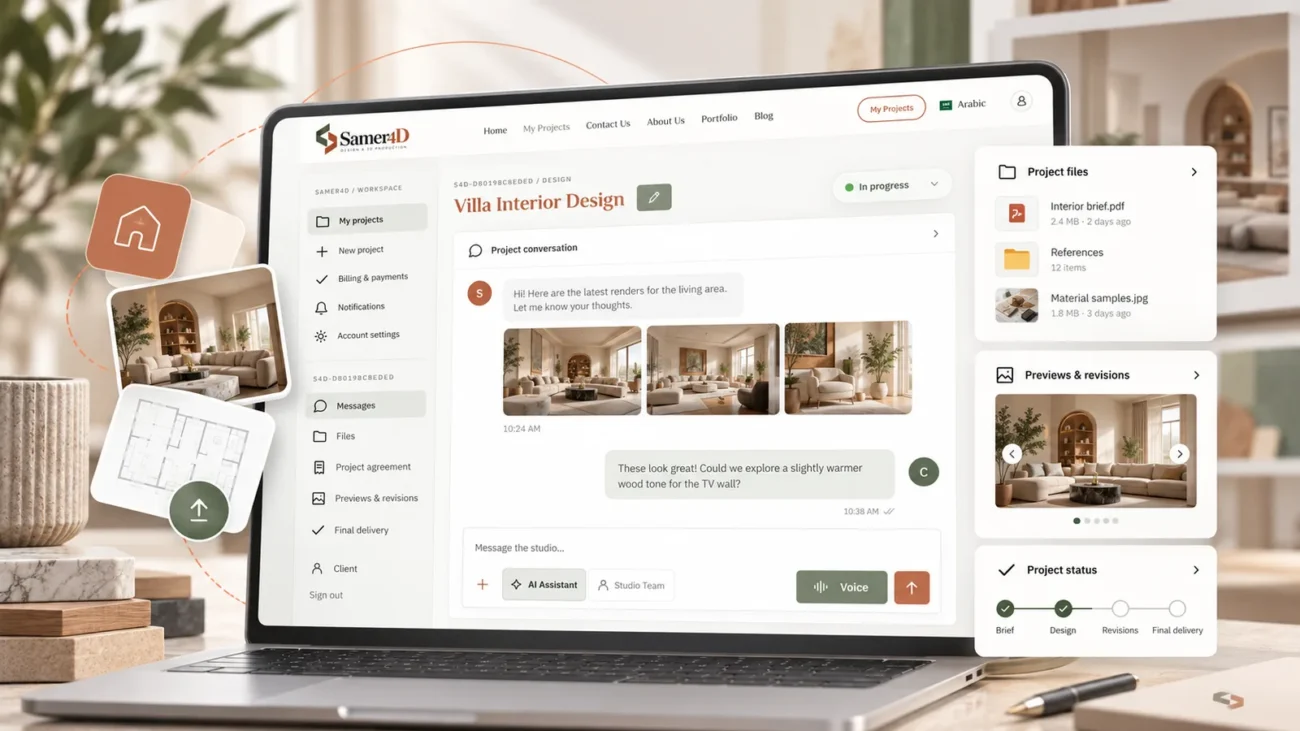
How to Prepare Your Files Before Starting a Design or 3D Project

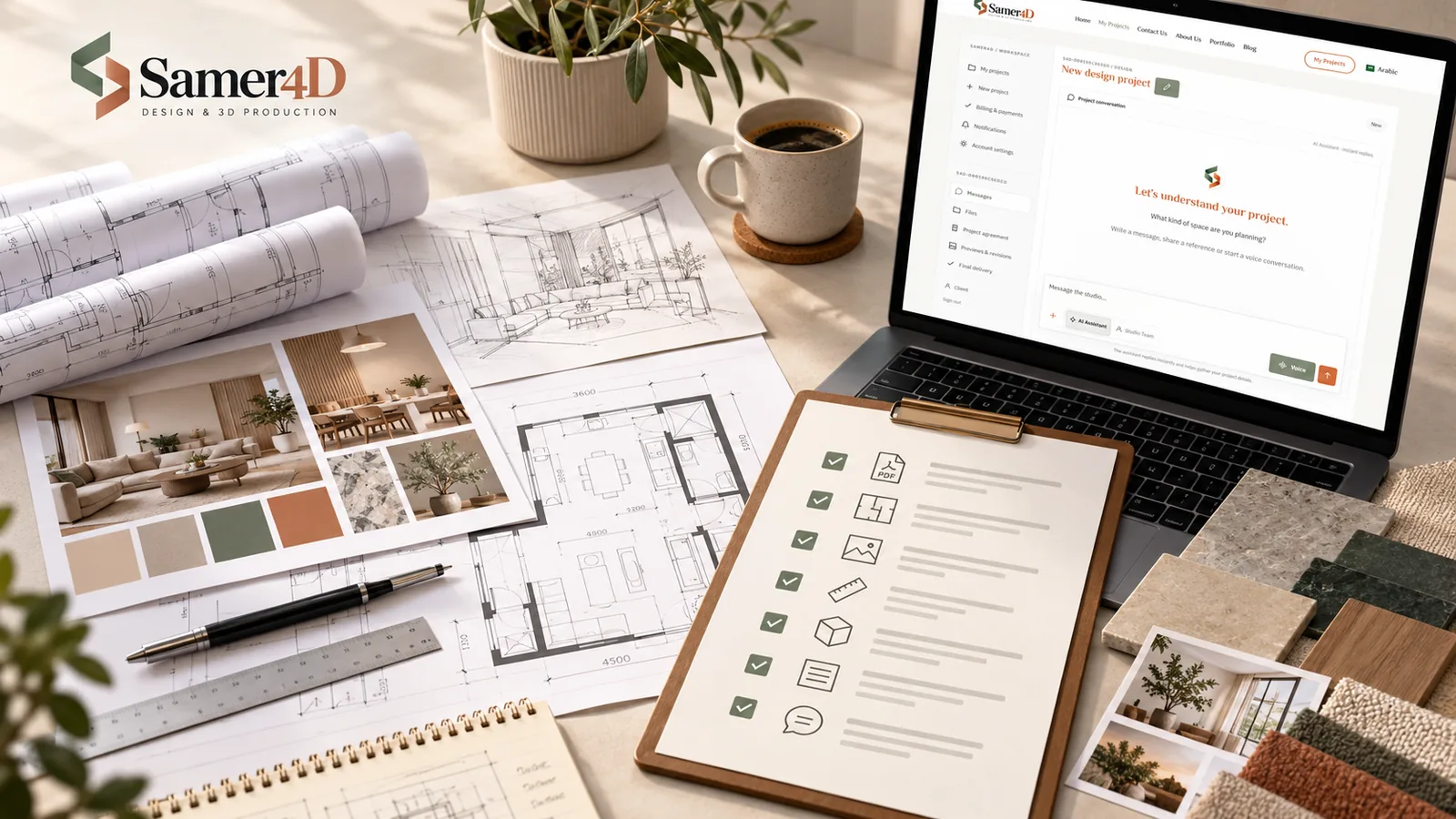
You do not need a perfect submission package
The purpose of preparing your files is to reduce uncertainty, not to turn you into a project manager before you contact us. Send what you already have, and the missing information can be identified during the conversation. A few well-organized files are usually more useful than a large folder with no explanation.
Start with the best drawing available
If you have a DWG file, that is often the most useful starting point. A clear PDF with dimensions is also excellent. If neither is available, a readable image or hand sketch can still be enough to begin discussing the project.
Add references with a reason
Reference images are most useful when you explain what you like about them. You may like the wood tone in one image, the lighting in another, and the ceiling detail in a third. A short note removes guesswork and helps us understand your priorities.
Photograph the existing space when relevant
For renovation or interior projects, phone photos from several corners can answer questions that the plan does not show. Try to include the ceiling, doors, windows, fixed services, columns, existing furniture that will remain, and any unusual condition that may affect the design.
Tell us what cannot change
A single sentence such as “this wall must stay,” “the air-conditioning unit cannot move,” or “this wardrobe will remain” can prevent an unsuitable proposal. Constraints are not a problem; hidden constraints are.
Large files
Samer4D supports private project file uploads according to the limits assigned to your account. If your SketchUp, ZIP, video, or production files are unusually large, the studio can advise you on the best way to provide them and can adjust your upload allowance when appropriate.
A good first message
When you open the project, tell us what the space or product is, what you want us to produce, what matters most to you, and what files you have attached. You can write it or explain it by voice. That is usually enough to begin the project in a structured way.