
How to Review Previews and Give Clear Design Feedback


Clear feedback saves time on both sides
Design feedback does not need technical language, but it does need context. “Change this” can mean many things. “Make this shelf shallower so it clears the door” tells the designer both what you want and why.
Use the preview itself as the reference
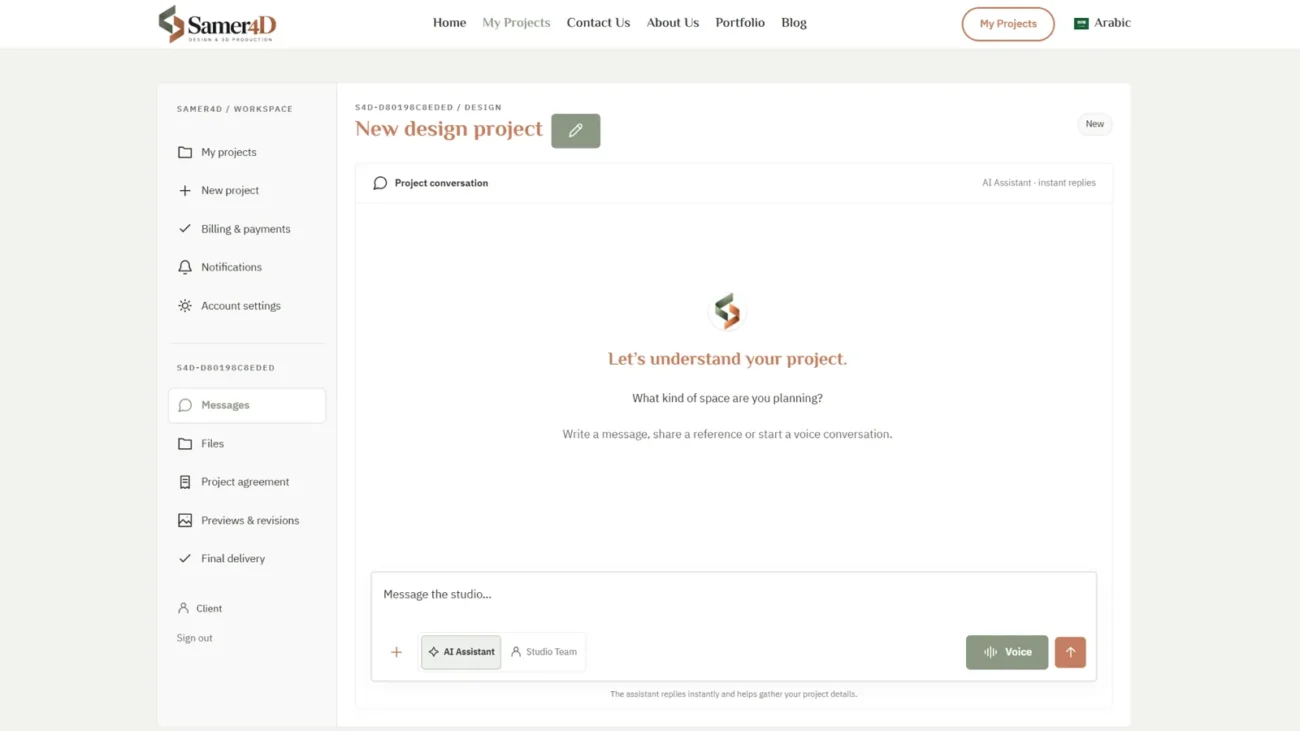
Samer4D lets you review published preview images and add notes directly to the relevant location. This is especially helpful in detailed interiors where a single image may contain furniture, lighting, ceiling details, materials, cabinetry, and accessories.
Review the whole preview before sending your notes
Whenever possible, look through the full preview round first. Then add the notes you want to submit together. A coordinated set of comments is easier to process than many small requests arriving one at a time.
Explain the goal when it matters
Sometimes the reason behind a change leads to a better solution. If the television is becoming larger, say so. If a cabinet needs to hide equipment, mention it. If a material is difficult to source locally, that information can affect the design direction.
Reference images can clarify a note
If a visual example explains your idea faster than a paragraph, attach it to the note when the project allows it. The reference does not need to match the whole design; it can simply show the specific detail you mean.
You do not need design terminology
Describe what you see in normal language. The purpose of the review system is to connect your comment to the visual location so the studio can interpret it accurately.
What happens after notes are sent?
The studio reviews the feedback and decides the next production step. That may be another preview round, clarification of a note, or continuation toward final delivery. The workflow stays flexible because not every project needs the same number of review rounds.