Inside the Samer4D Project Workspace: Everything in One Place

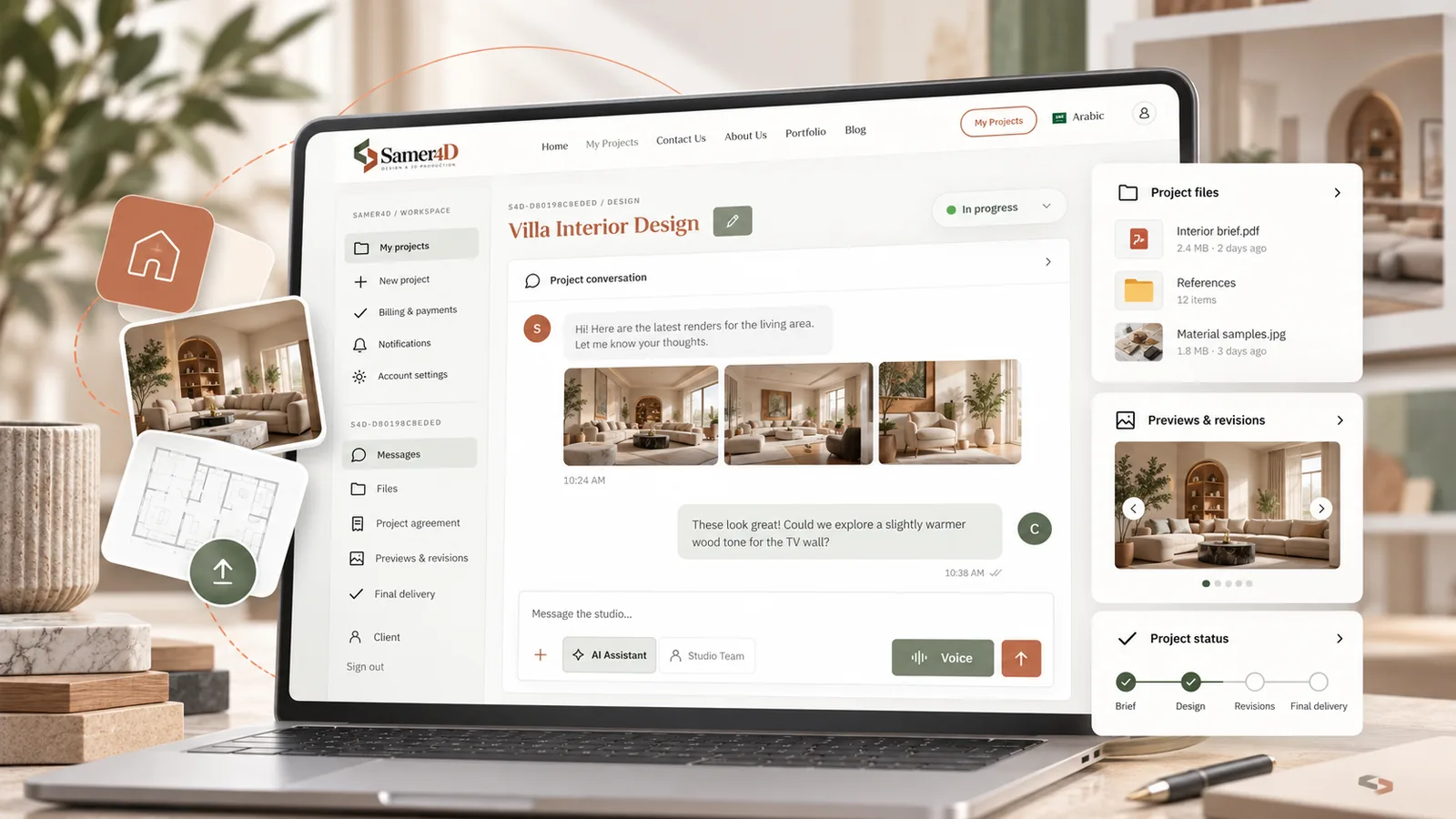
Why every project gets its own workspace
Remote design becomes difficult when messages, files, quotations, revisions, and final deliveries are spread across different apps. Samer4D keeps each project in one private workspace so the conversation and the work stay connected.
Messages
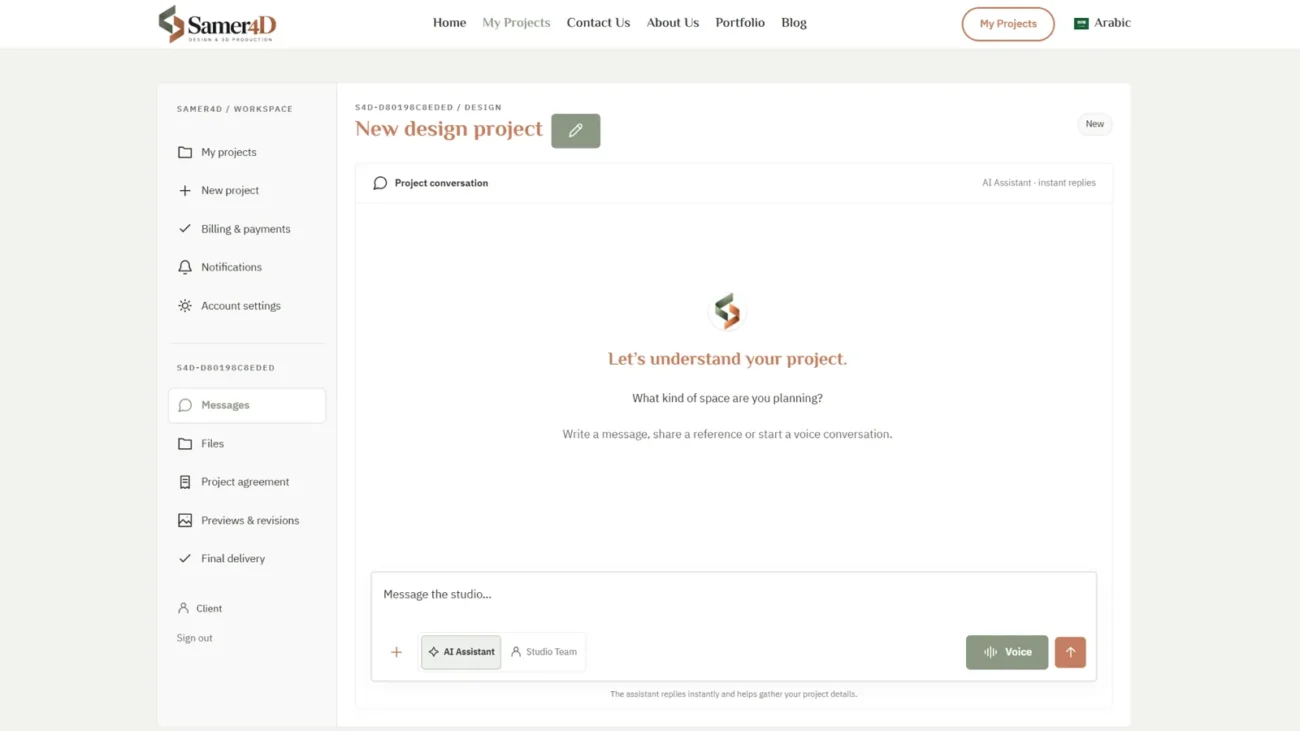
The project conversation is where you explain the brief, answer questions, and communicate with the studio. You can use text or voice. The AI Assistant can help collect information quickly, while Studio Team messages are used for communication with the human team working on your project.
Files
Plans, photos, references, and working files can be uploaded to the project. They are stored privately and are not exposed as public WordPress media links. Access is tied to the project and the permissions of the logged-in user.
Project agreement
Once the scope is clear, the project agreement records the proposal, cost, and terms that apply to the work. This gives both sides a clear reference before production moves forward.
Previews & revisions
When the studio publishes a preview, you can review the images inside the project and place notes directly on the areas you want to discuss. Keeping feedback attached to the preview makes revisions much easier to understand than a long list of disconnected messages.
Final delivery
Completed project files are placed in the Final Delivery area, grouped by type where appropriate. Final renders, working files, shop drawings, and extras can stay separate from early references and review images.
Notifications and project history
Notifications help you see when something changes, while the project itself remains the main source of truth. You do not need to search through old chat applications to understand what was agreed or which file belongs to the latest stage.
The result
The workspace is not just a client portal. It is the structure that makes remote design easier to follow from the first message to final delivery.